
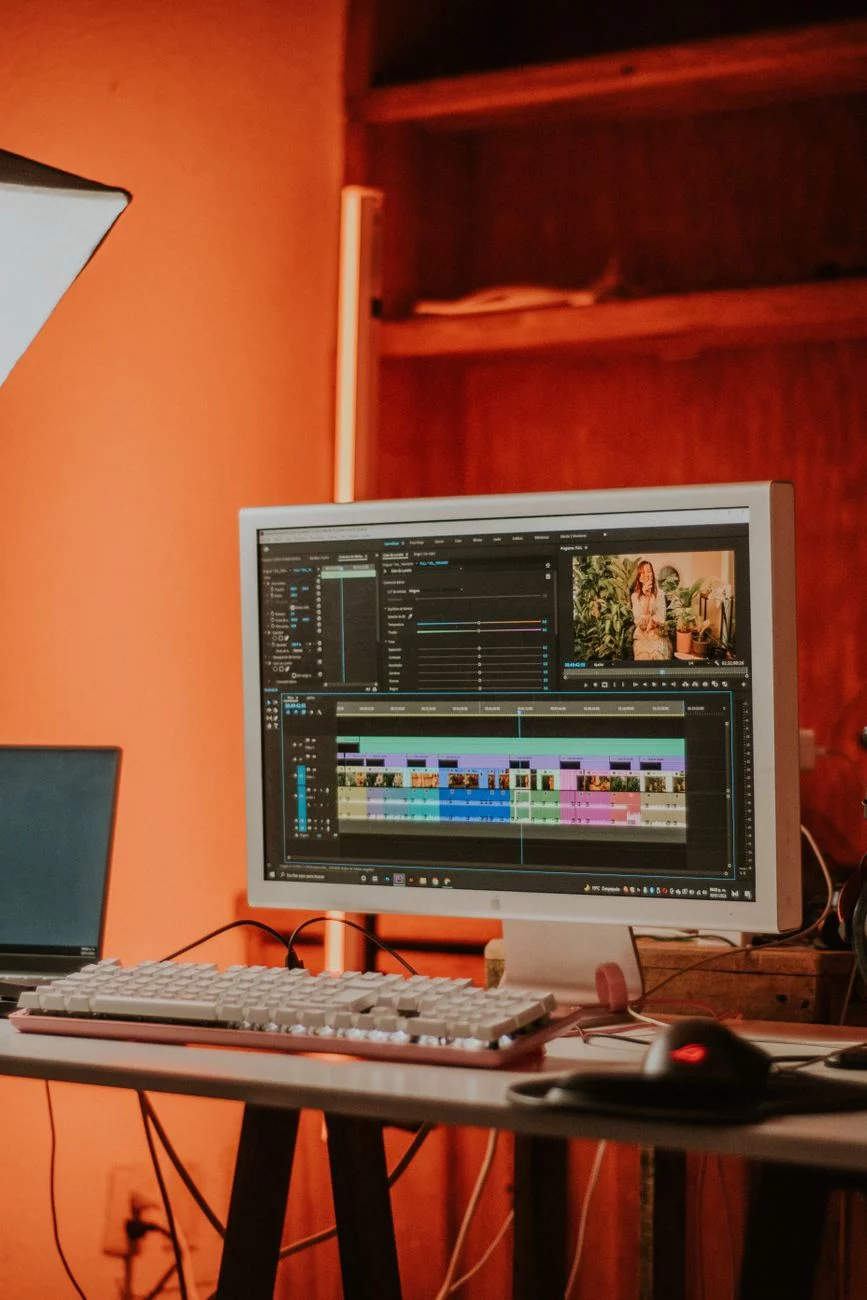
Blackmagic Design’s DaVinci Resolve 21 webinars are a useful answer to a familiar problem: powerful software often overwhelms new users. Six free 90-minute sessions, scheduled from September through November 2026, promise a guided path from beginner basics to AI-driven workflows. For editors, colorists, and independent creators, that is more than a promotional offer; it is a practical training shortcut.
What the free DaVinci Resolve 21 webinars cover
The program appears designed to meet users where they are. That matters because DaVinci Resolve is not a narrow tool; it is a full non-linear editing system with editing, audio, visual effects, and finishing tools in one interface.
Beginner sessions focus on fundamentals
For newcomers, the value is simple: learn the interface, understand the timeline, manage media correctly, and export without mistakes. Those basics can save hours of frustration, especially for anyone moving from simpler consumer editors to a professional workflow.
Advanced sessions highlight AI tools
Later webinars shift toward automation and efficiency. That is where artificial intelligence features become relevant, helping users speed up repetitive tasks and organize complex projects with less manual effort.
Why this matters for post-production workflows
DaVinci Resolve has long been known for combining editing with serious color grading tools, and that remains its biggest competitive edge. Free webinars strengthen that appeal by lowering the barrier to entry without reducing the software’s professional credibility.
Still, the sessions should be seen as a starting point, not a full education. A webinar can explain the logic of a workflow, but only practice turns that logic into speed and consistency.
How to get value from registration
With registration open, the smartest approach is to choose sessions based on current skill level. Beginners should prioritize interface and editing fundamentals, while experienced users should target AI tools and workflow optimization.
Prepare a few questions before joining and keep notes on features you want to test afterward. That simple habit turns passive viewing into usable training and makes the free sessions far more valuable.
For anyone considering DaVinci Resolve 21, these webinars offer a low-risk way to evaluate the software’s strengths, learn faster, and build a more efficient post-production process. Register early, pick the sessions that match your needs, and use the training to turn theory into a cleaner, quicker editing workflow.
Focus Keyphrase: DaVinci Resolve 21 webinars
SEO Title: DaVinci Resolve 21 Webinars: Free Training Dates
Meta Description: DaVinci Resolve 21 webinars offer six free sessions on editing, color, and AI tools from September to November 2026. Register early.
Slug: davinci-resolve-21-webinars-free-training-dates
Keyphrase Synonyms: DaVinci Resolve training webinars, Resolve 21 free classes, video editing masterclasses, Blackmagic Design webinars, DaVinci Resolve online training
Frequently Asked Questions
Are the DaVinci Resolve 21 webinars enough to become proficient on their own?
They are a strong starting point, but not a complete education. The webinars can explain the logic behind editing, color, and AI workflows, which helps you avoid common mistakes early. Real proficiency still comes from practicing inside the software, repeating the steps, and applying what you learn on actual projects.
Which webinar sessions are most useful for complete beginners?
Beginners should prioritize sessions that cover the interface, timeline basics, media management, and exporting. Those topics remove the biggest early barriers and help you work without confusion. If you are new to professional editing software, these fundamentals will likely save more time than jumping straight into advanced features.
If I already use other editing software, will these webinars still be useful?
Yes. Editors coming from simpler or different tools can still benefit because Resolve combines editing, audio, effects, and finishing in one environment. The webinars can help you understand how Blackmagic Design organizes that workflow and how to adapt your existing editing habits to a more integrated system.
Are the AI-focused webinars only relevant for advanced users?
Not necessarily. While advanced users may get the most immediate value, AI tools can also help less experienced editors save time on repetitive tasks and keep projects organized. If you already know the basics, the AI sessions are a practical next step for improving speed and efficiency.
How can I get the most value out of registering for these free sessions?
Choose sessions based on your current skill level rather than registering for everything blindly. Prepare a few questions before the webinar, take notes on features you want to test later, and practice soon after each session. That approach turns passive viewing into useful training and helps you retain the workflow better.