
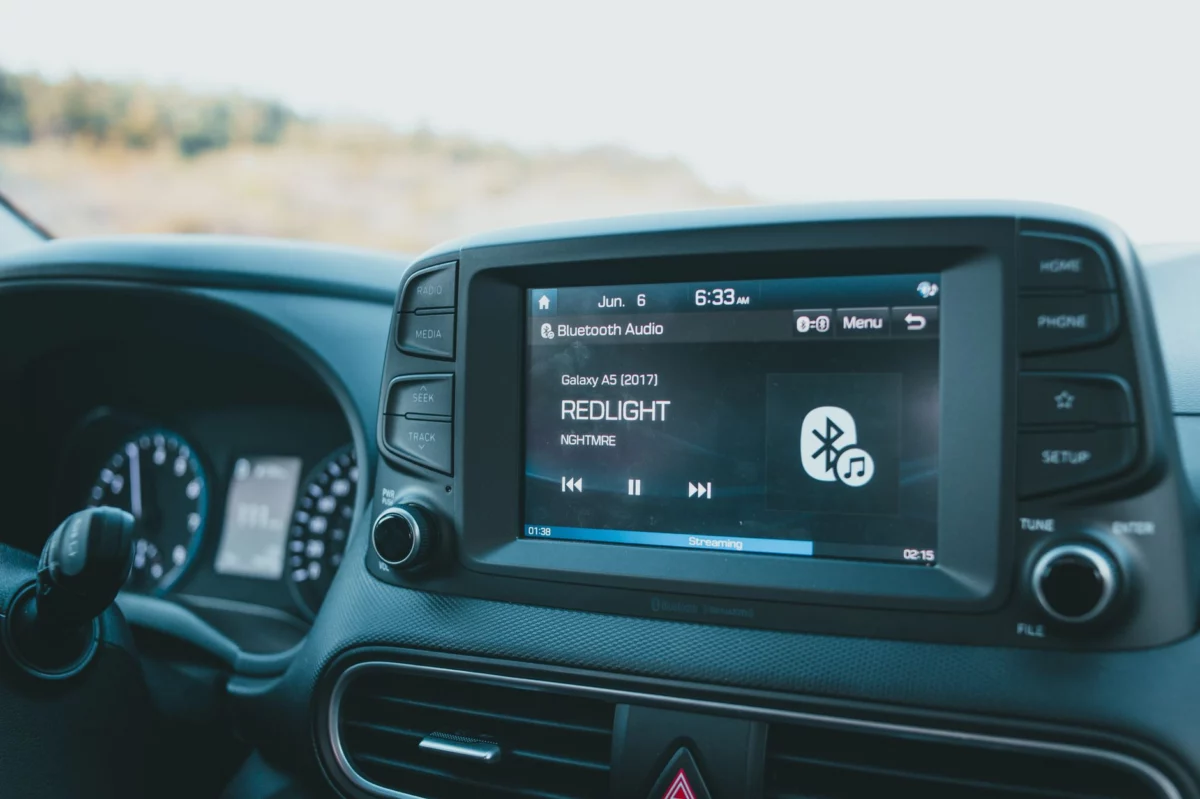
The newest Android malware campaign aimed at car head units is notable for one reason: it does not need to break the device if it can abuse the update path. That shifts the problem from simple infection to trust abuse in infotainment firmware, over-the-air updates, and service tools. Readers will learn how this attack works, why connected vehicles are exposed, and what update controls actually reduce risk.
Key Takeaways
- Attackers are using legitimate update functions to persist inside Android-based head units.
- Weak package verification turns routine maintenance into an infection vector.
- OEM-controlled updates, signature checks, and source verification are the main defenses.
Why is the update channel the target?
Threat actors behind click-fraud botnets prefer durable access, and vehicle infotainment systems can provide it. Head units are often connected to Wi-Fi, Bluetooth, USB, and paired phones, which gives malware multiple paths to stage, trigger, or disguise an update.
Once a malicious package is accepted, the malware gains something more valuable than a one-time payload: persistence. That is why attackers focus on trusted maintenance workflows, where users and technicians are more likely to approve prompts without inspecting the source.
What makes car infotainment systems easier to abuse?
Android-based head units sit in an awkward middle ground. They are consumer devices, but they are installed in vehicles, where owners expect them to behave like embedded systems. That mismatch creates weak spots: shared admin access, outdated vendor portals, sideloaded files, and inconsistent patching.
If the update process does not strictly verify cryptographic signatures, an attacker can swap in a malicious installer or redirect the device to a tampered package. If the system also reuses the same permissions after reboot, the malware can survive normal cleanup and keep participating in fraud, ad abuse, or remote command execution.
What should users and fleet operators check now?
The practical defense is boring but effective: verify the source, verify the signature, and restrict who can initiate updates. Infotainment systems should accept software only from the OEM or authorized service channel, and they should reject unsigned or mismatched packages by default.
Google’s Android guidance on integrity checks explains why a verified boot chain matters for detecting tampering before code runs: Android Verified Boot security documentation. That principle applies directly to car head units, where trust in the update path is the difference between routine maintenance and durable compromise.
Example: what a safe update workflow looks like
A secure deployment should include a signed package, a trusted delivery channel, an integrity check at install time, and a rollback path if validation fails. For fleets, that also means logging who approved the update, which version was installed, and whether the device rebooted into a verified state.
For 2026, the best response is to treat infotainment updates as critical firmware operations, not convenience features. If you manage vehicles, audit the update source, disable sideloading where possible, and enforce signature validation; if you drive a connected car, only install updates from the manufacturer’s official path and ignore any prompt that cannot prove where it came from.
Frequently Asked Questions
Why would attackers target the update mechanism instead of installing a normal Android malware app?
Because the update path is trusted and often more persistent. A malicious app can be removed, but a tampered firmware or update package can survive reboots and normal cleanup. By abusing a legitimate maintenance workflow, attackers also reduce suspicion, since users and technicians are more likely to approve an update than an unknown app install.
What is the biggest security weakness in Android-based car head units?
The biggest weakness is inconsistent trust enforcement around updates. Many head units mix consumer-style Android behavior with embedded-system expectations, which can lead to weak package verification, outdated vendor portals, or sideloading. If the device does not strictly validate signatures and source, it may accept a modified installer or redirected package.
Can a vehicle be compromised even if the head unit is not rooted or physically tampered with?
Yes. The article highlights trust abuse, not necessarily device takeover through rooting or hardware access. If an attacker can influence the update source, deliver a malicious package, or exploit weak signature checks, the head unit may accept the payload through normal update workflows without any physical modification.
What should fleet operators log or verify during infotainment updates?
Fleet operators should record who approved the update, the exact software version installed, the delivery source, and whether the device rebooted into a verified state. They should also confirm that the package was signed, that the signature matched the OEM, and that any failed validation blocked installation instead of bypassing it.
Why does Android Verified Boot matter for car head units specifically?
Verified Boot helps detect tampering before malicious code starts running. In a vehicle, that matters because the head unit may be trusted for navigation, connectivity, and driver-facing services. If the boot chain is not verified, an attacker can keep malicious changes active across reboots and make cleanup much harder.
What is the safest way for a driver to handle a head unit update prompt?
Only accept updates that come through the manufacturer’s official channel and can clearly prove their source. If a prompt appears from an unknown service, USB device, or third-party portal, it should be treated as suspicious. The safest approach is to verify the update with the OEM or authorized service center before installing it.